Wondershare UniConverter
AI-Powered Subtitle Editor for Videos & Podcasts
Create, edit, and perfect subtitles with professional precision.
 4.9/5 from 1,662 reviews

Create, Edit, and Perfect Subtitles with AI in Minutes
UniConverter provides all the tools you need to create perfectsubtitles for any video or audio content


Advanced features to edit subtitles
Professional tools to refine and perfect your subtitle editing workflow
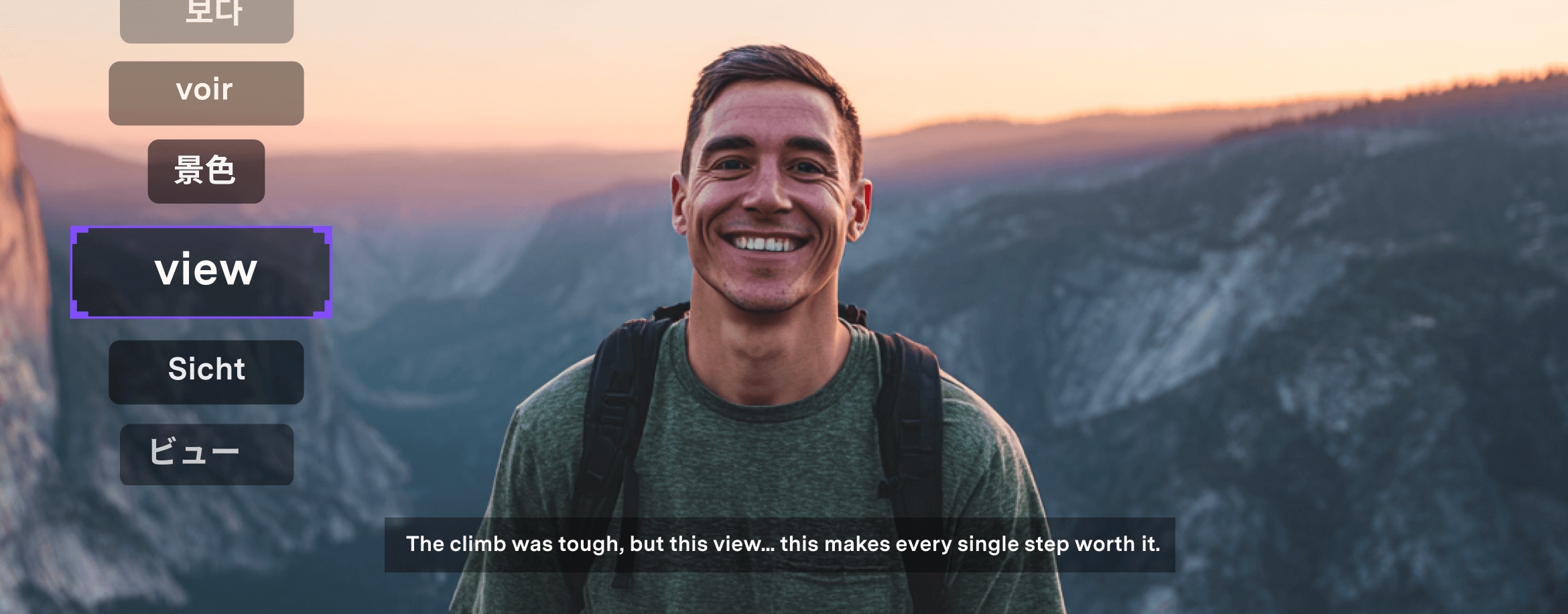
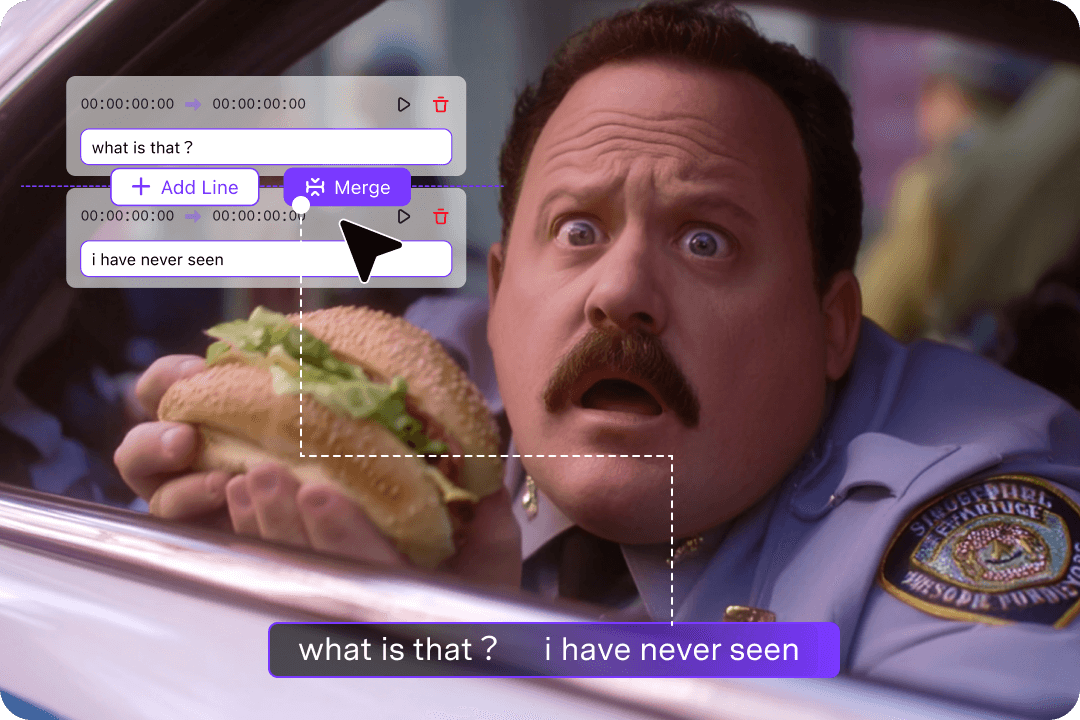
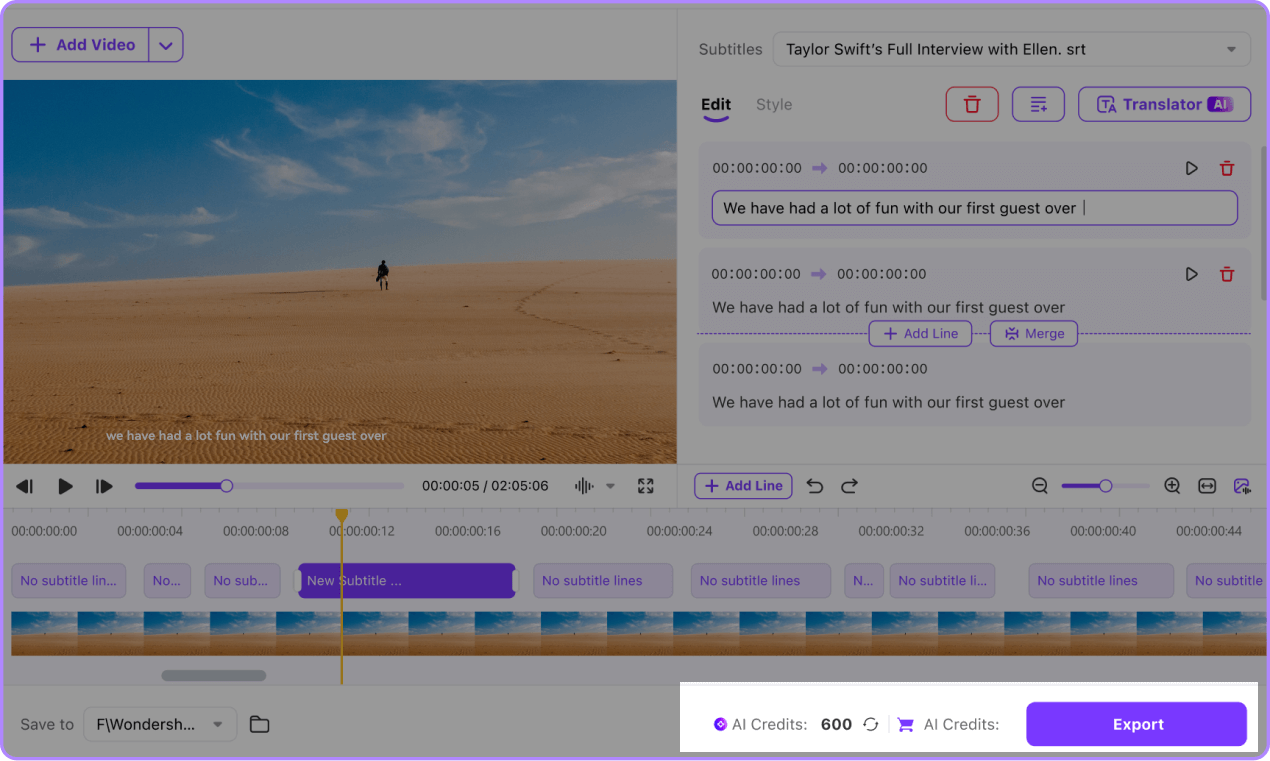
One-Click Merge & Split Video Subtitles
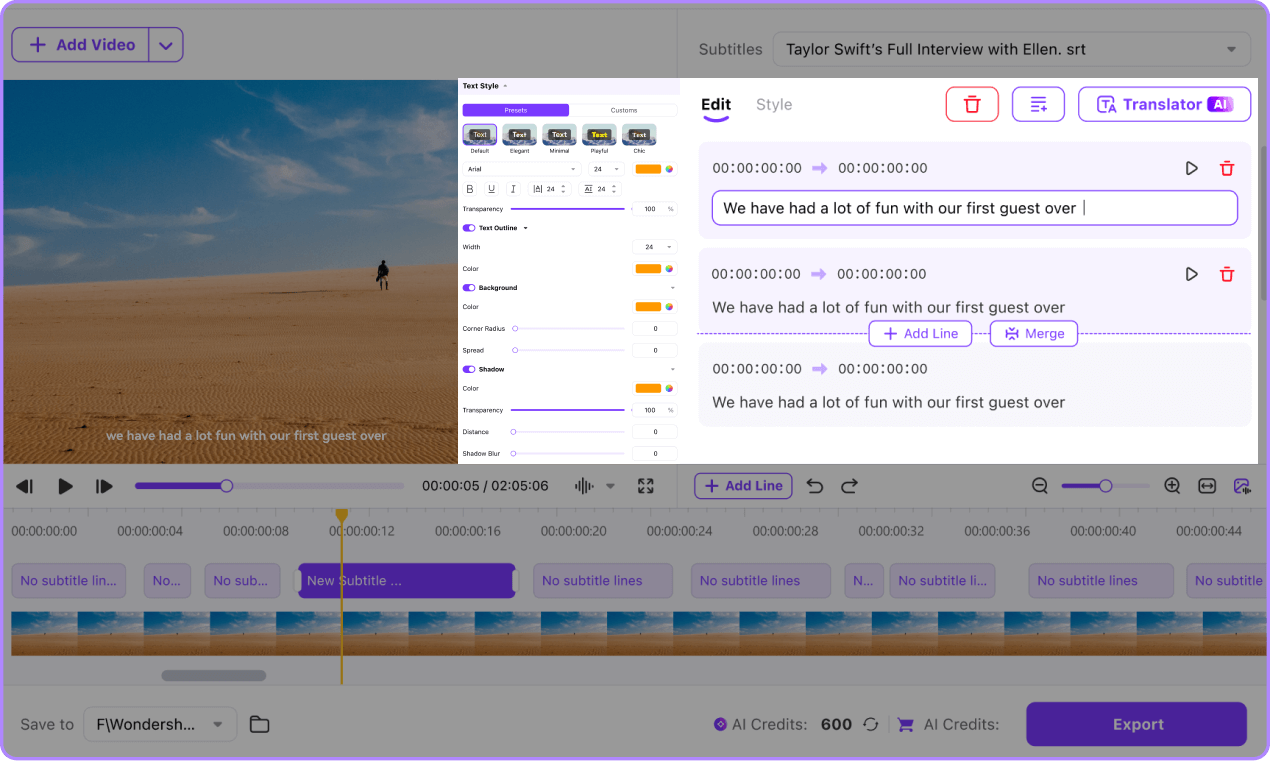
With UniConverter Subtitle Editor, you can easily merge and split video subtitles to achieve perfect timing and flow. Combine short captions for better readability or split long sentences at natural pauses with 1 precision.
Batch edit, search, and replace text to keep your subtitles consistent, accurate, and well-synchronized.

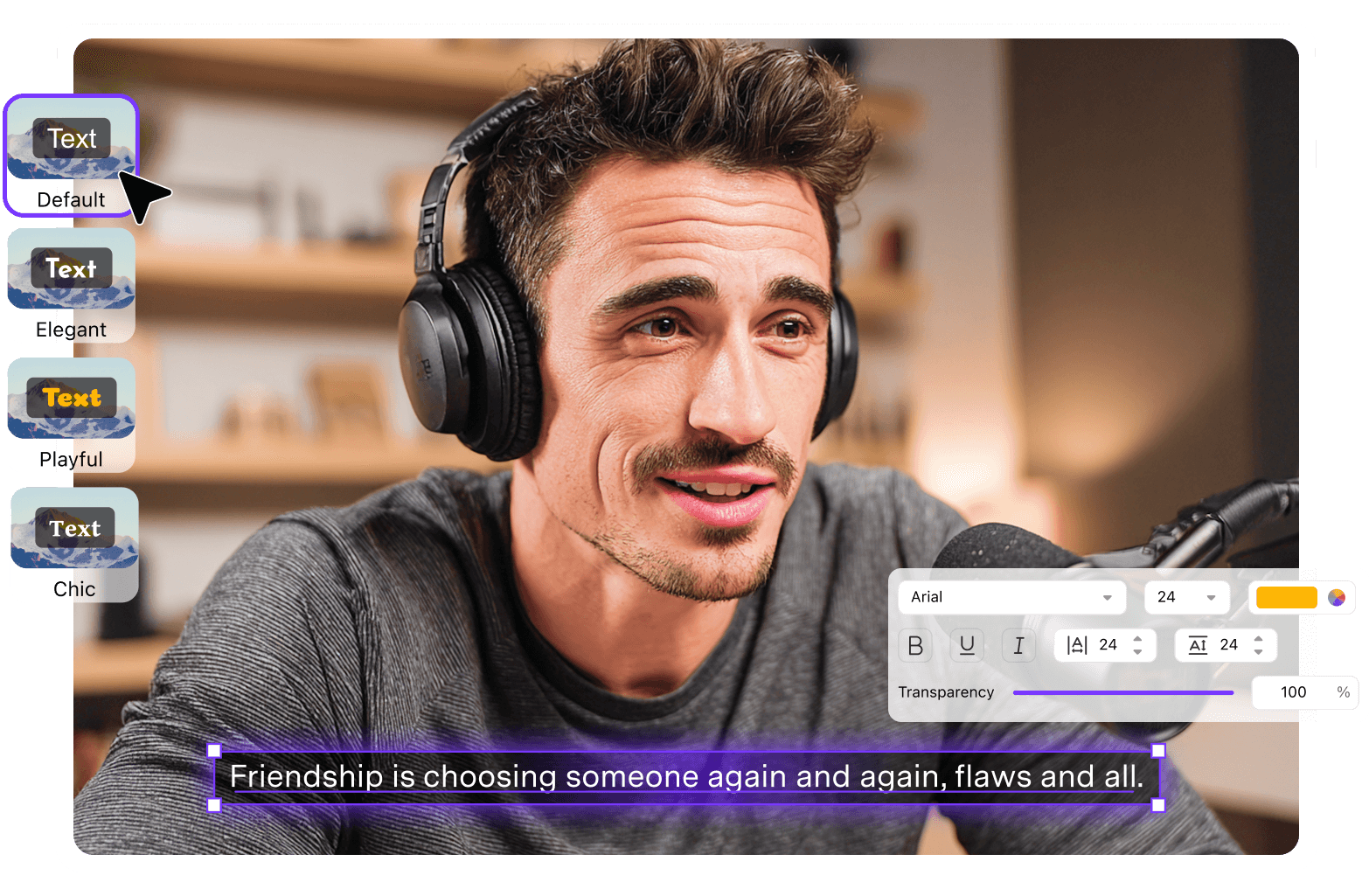
Advanced Subtitle Styling & Customization
With UniConverter Subtitle Editor, you can fully customize the look and feel of your video subtitles to match your brand and content style.
Adjust fonts, colors, spacing, and background overlays with over 50 professional typography options. Add drop shadows, outlines, or glow effects, and precisely position your subtitles anywhere on screen for a polished, professional result.
Comprehensive Import Format Support
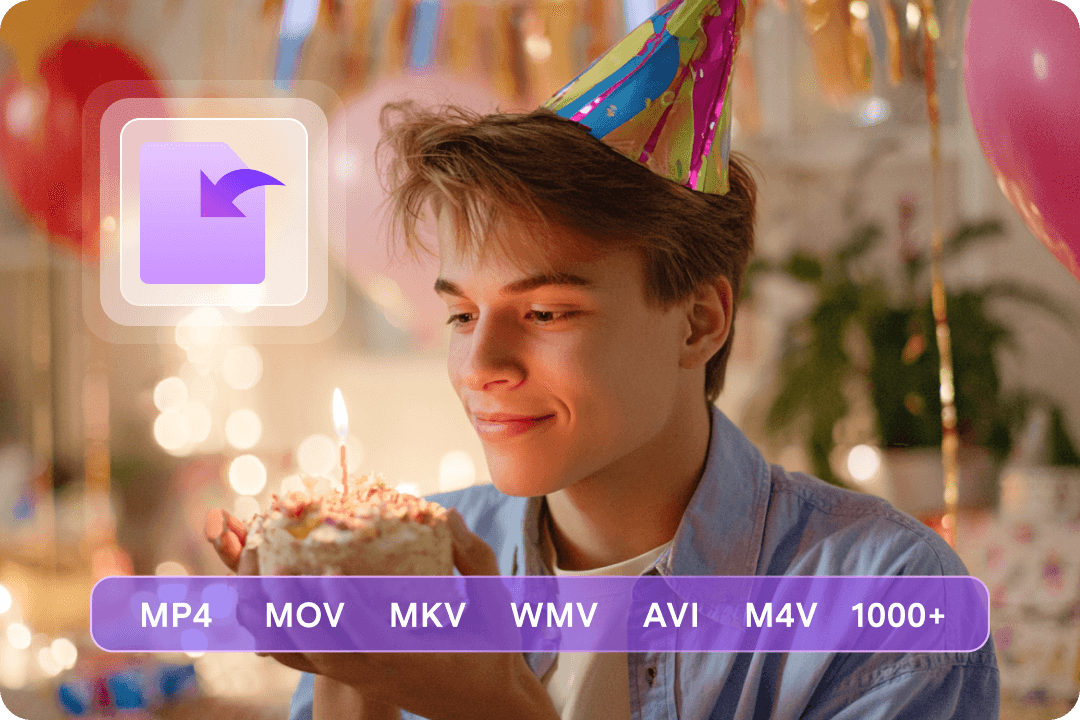
With UniConverter Subtitle Editor, you can import almost any video or audio to prepare for subtitle generation or editing. This includes popular video types like MP4, MOV, AVI, MKV, and WebM as a full range of audio formats including MP3, WAV, AAC, FLAC, and M4A.
UniConverter ensures smooth compatibility for all your multimedia projects. No matter what format your source file is, our subtitle editor provides seamless integration for professional workflows.

Export Subtitles with Flexible Options
With UniConverter Subtitle Editor, easily export MP4 videos with embedded subtitles or generate separate SRT files compatible with all major platforms.
Add hardcoded subtitles for universal playback, and export external subtitle tracks for professional workflows.
Why Choose UniConverter Subtitle Editor?
In today’s global content landscape, accurate and visually appealing subtitles are essential for engaging audiences. UniConverter’s AI-powered Subtitle Editor streamlines transcription, multi-language translation, styling, and batch editing to help educators, creators, podcasters, and professionals produce high-quality subtitles efficiently.
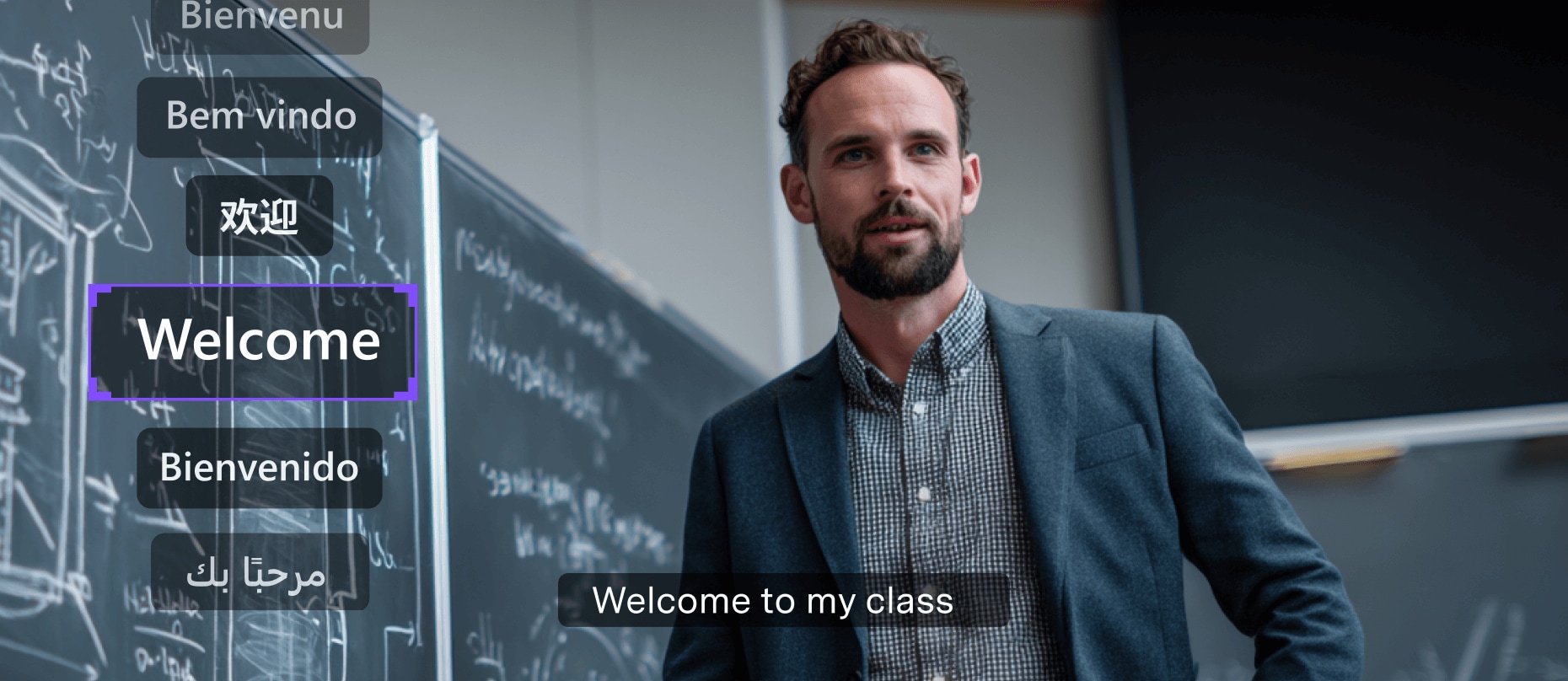
Educators & Training Professionals
Record and archive your courses or training sessions, then generate highly accurate subtitles with UniConverter. With multi-language support and batch subtitle editing, you can efficiently organize and preserve knowledge assets for future reference.
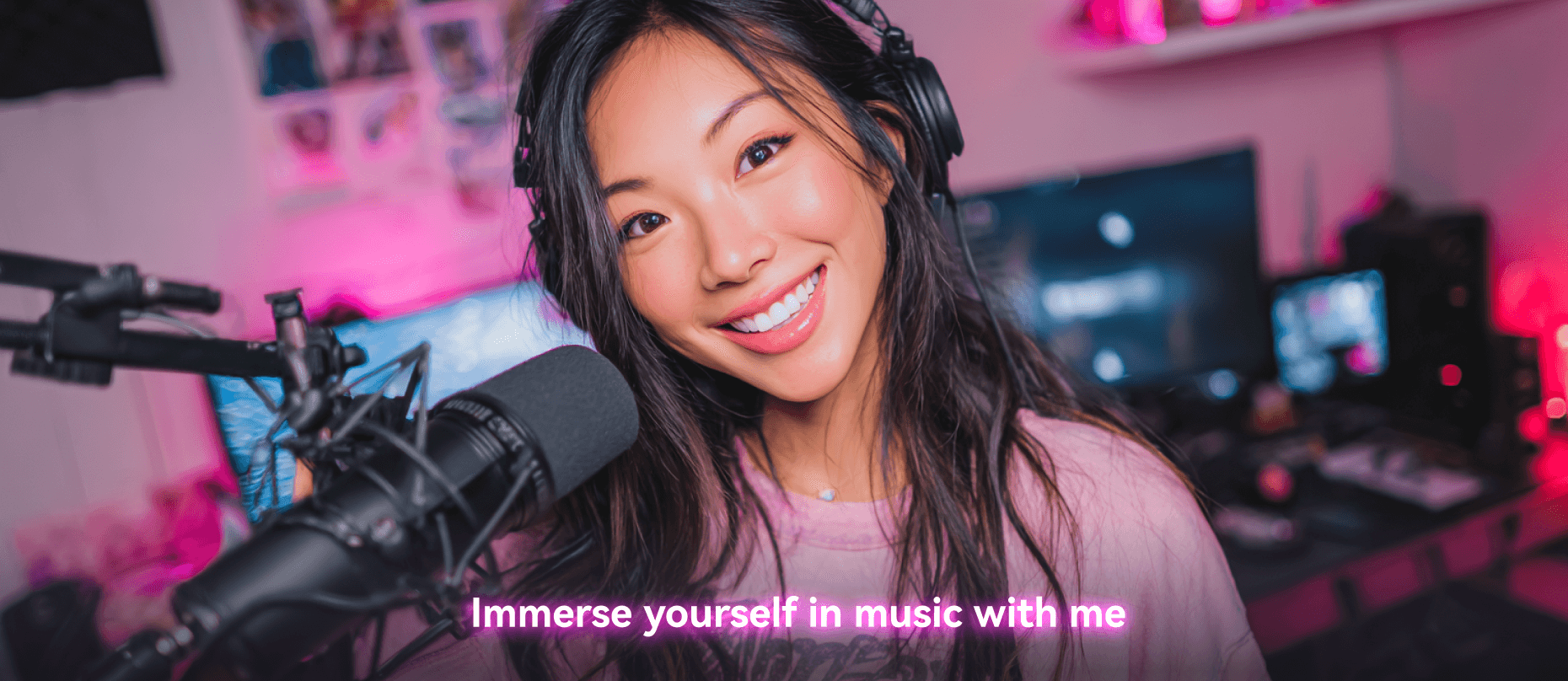
Video Content Creators / UGC
Enhance short videos and social media content with rich subtitle styles. UniConverter enables fast editing and batch processing, helping you quickly create engaging captions that increase viewer appeal.
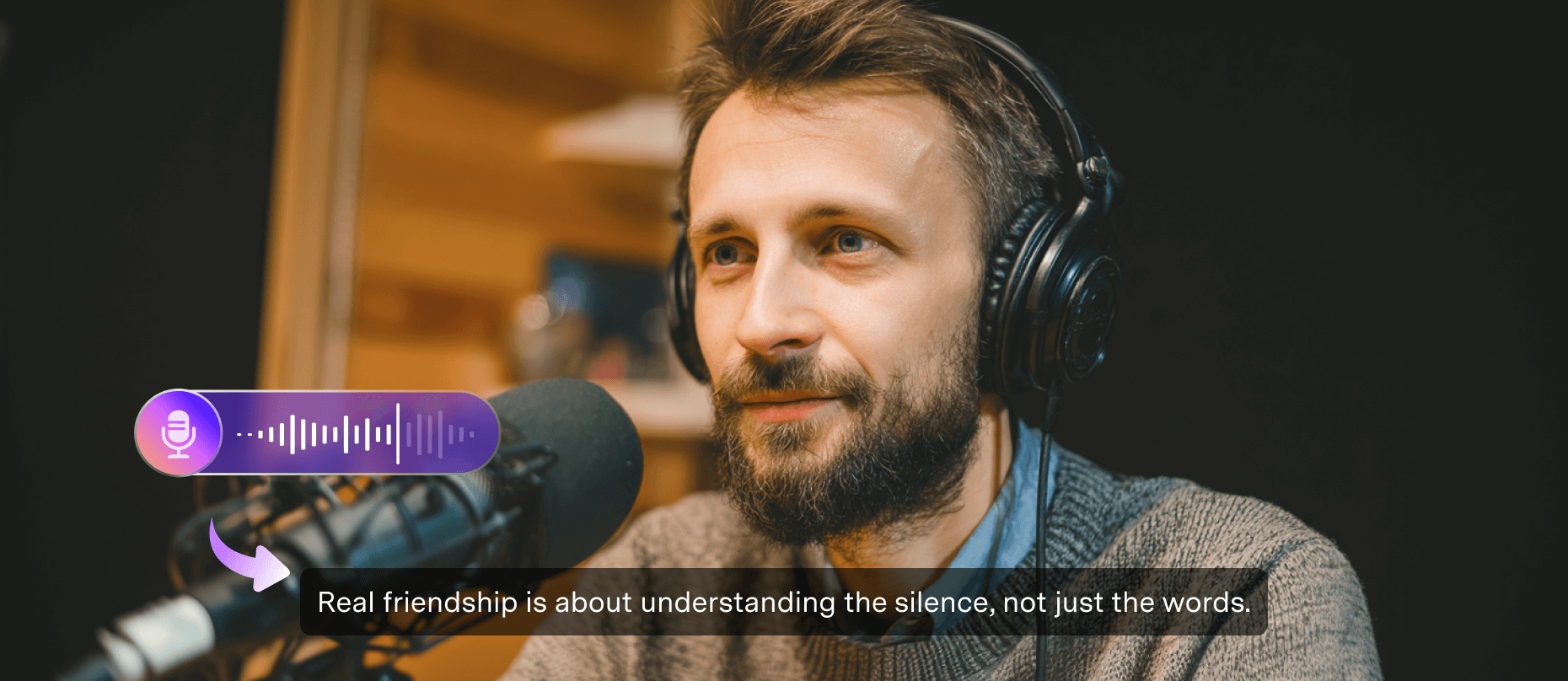
Podcasters & Audio Content Creators
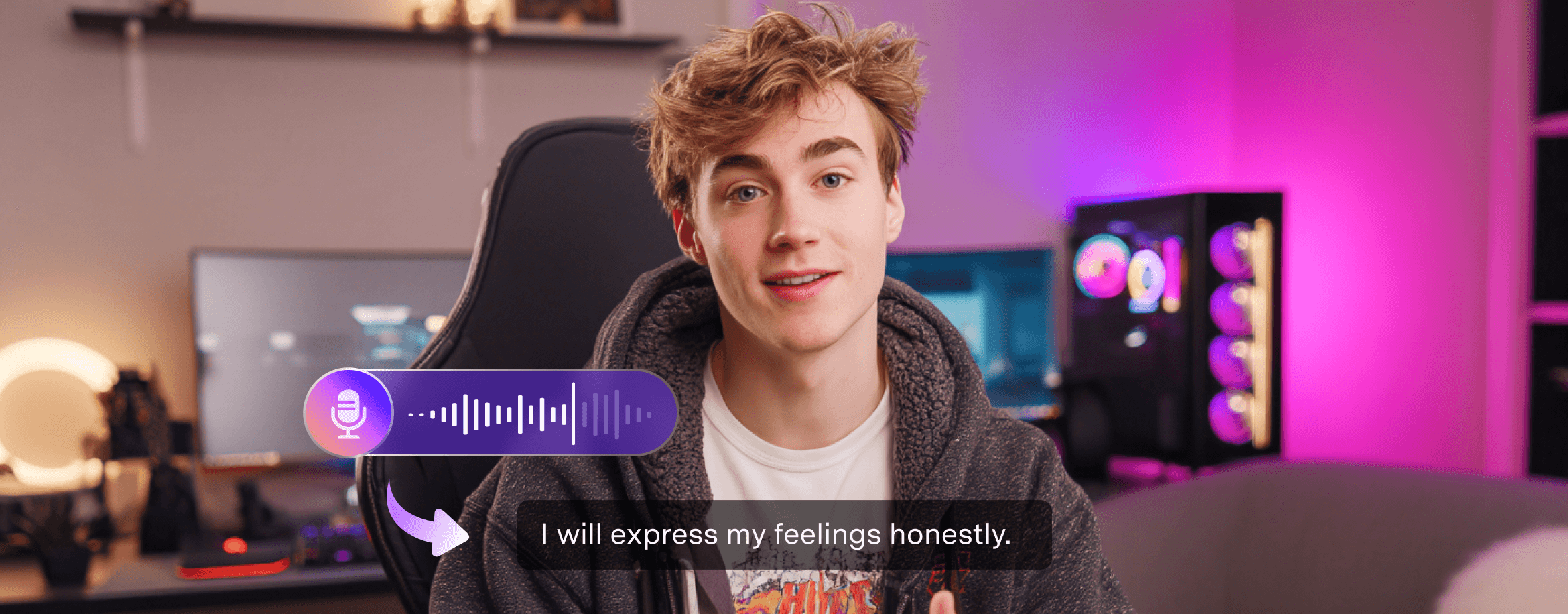
Convert audio files into subtitles and publish across multiple platforms. With audio import support and automatic language recognition, UniConverter helps diversify your content and reach a wider audience.
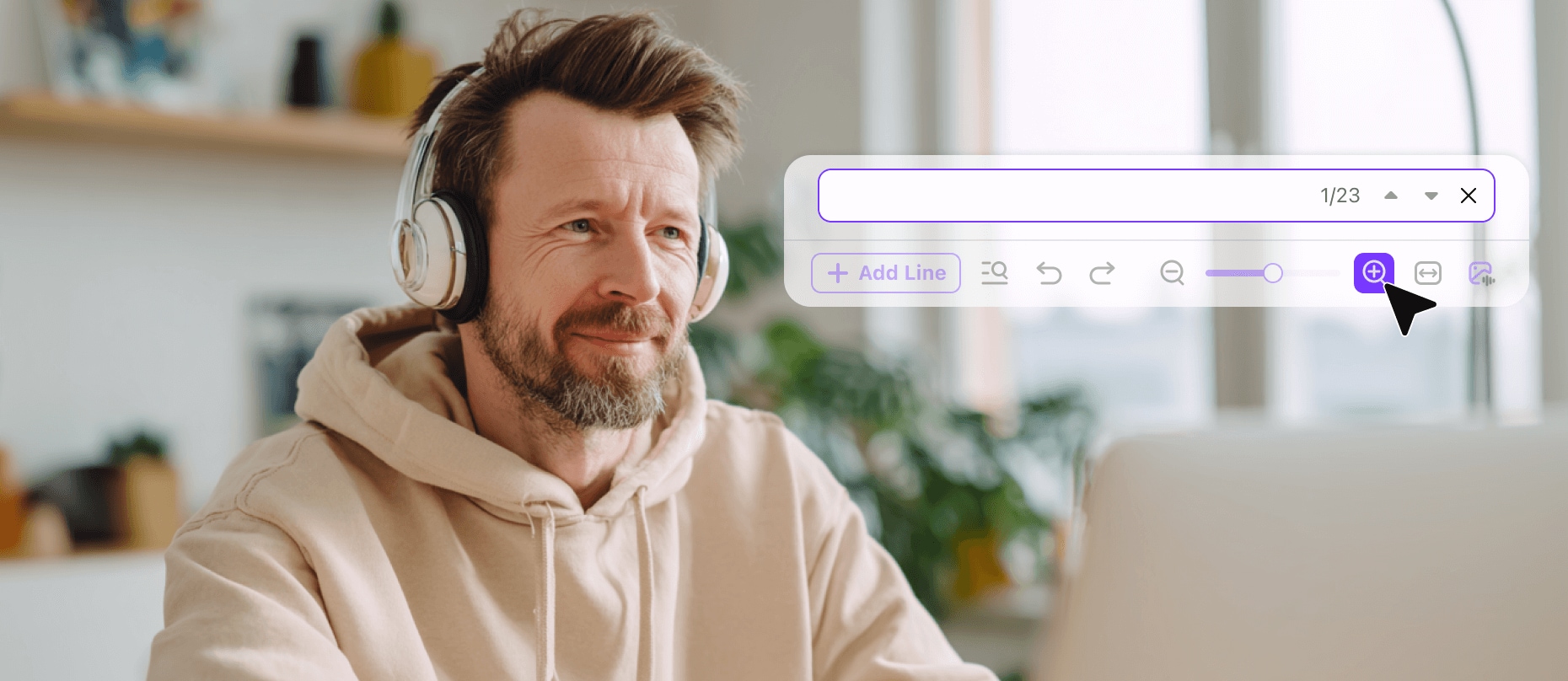
Professional Subtitle Editors
Transform audio into subtitles with full control. Leverage advanced style customization, full-text search, and precision proofreading to ensure accuracy and consistency across all your projects.

Podcast Creators
Transform audio podcasts into visual content with synchronized subtitles for broader audience reach.

Global Enterprises
Localize video content across 145+ languages for international markets and diverse teams.
How to Edit Subtitles in 3 Easy Steps

Step 1: Upload Your Media File
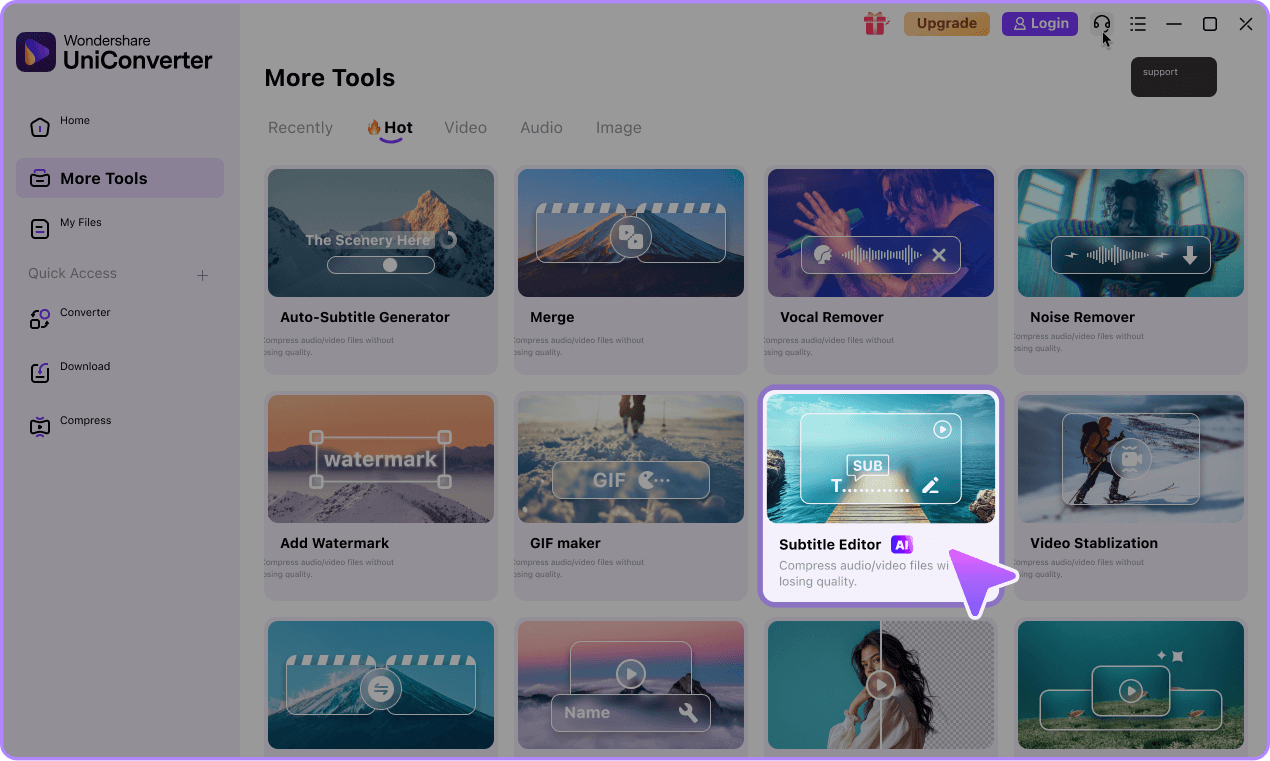
Access the UniConverter Subtitle Editor and click the Add Files button to select a video, audio, or project file.

Step 2: Create & Edit Subtitles
You can generate, import, convert, or create subtitles, then edit and customize them for perfect timing and style.

Step 3: Export Your Video or Audio with Subtitles
After custum your subtitles, you can export you subtitles in MP4,SRT or USE file.
Frequently Asked Questions About Subtitle Editor
-
01 What is the best AI subtitle editor?
The best AI subtitle editor combines high accuracy, extensive language support, and professional editing features. UniConverter stands out with 99.9% accuracy, support for 145+ languages, unique dual-language subtitles, and advanced editing tools for timing, styling, and formatting.
-
02 Which subtitle formats does UniConverter support?
UniConverter supports SRT, ASS, VTT, and project files. You can also burn subtitles directly into MP4 videos. Export subtitle files for use on YouTube, Vimeo, social platforms, or local editing.
-
03 Can I translate subtitles into different languages?
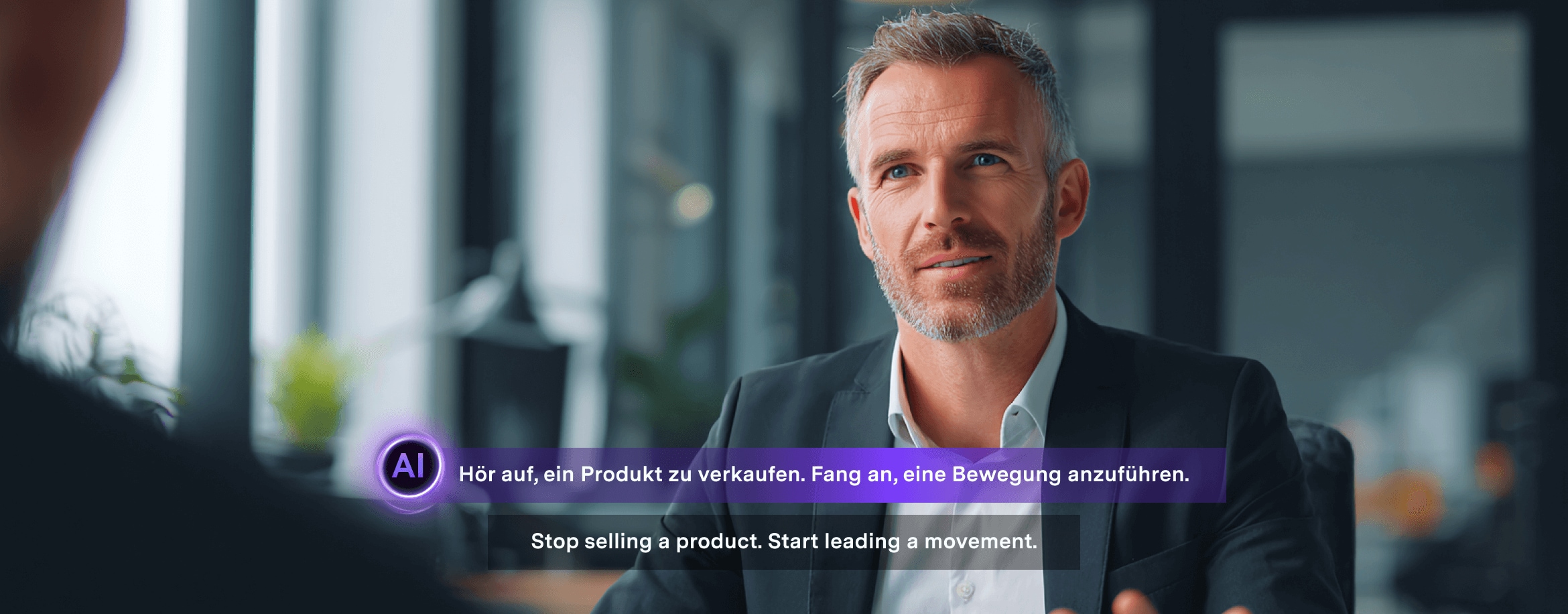
Yes — UniConverter includes AI subtitle translation features to translate subtitles into other languages and create bilingual side-by-side subtitles, enabling global reach for your content.
-
04 Can I edit subtitles after generation?
Absolutely. Our powerful subtitle editor allows you to fine-tune every aspect: merge or split lines, adjust timing with frame-level precision, correct text, and apply custom formatting and styling.
-
05 Do you support audio files for podcasts?
Absolutely! UniConverter can edit subtitles from audio-only files including podcasts, recordings, interviews, and voice-overs. This makes it perfect for content creators working with various media types.
Find more features in the UniConverter AI Tools



Stop Wasting Time on Long Videos. Start
Editting.
Join thousands of professionals and students who are already saving hours every week with UniConverter's AI-Powered Subtitle Editor.