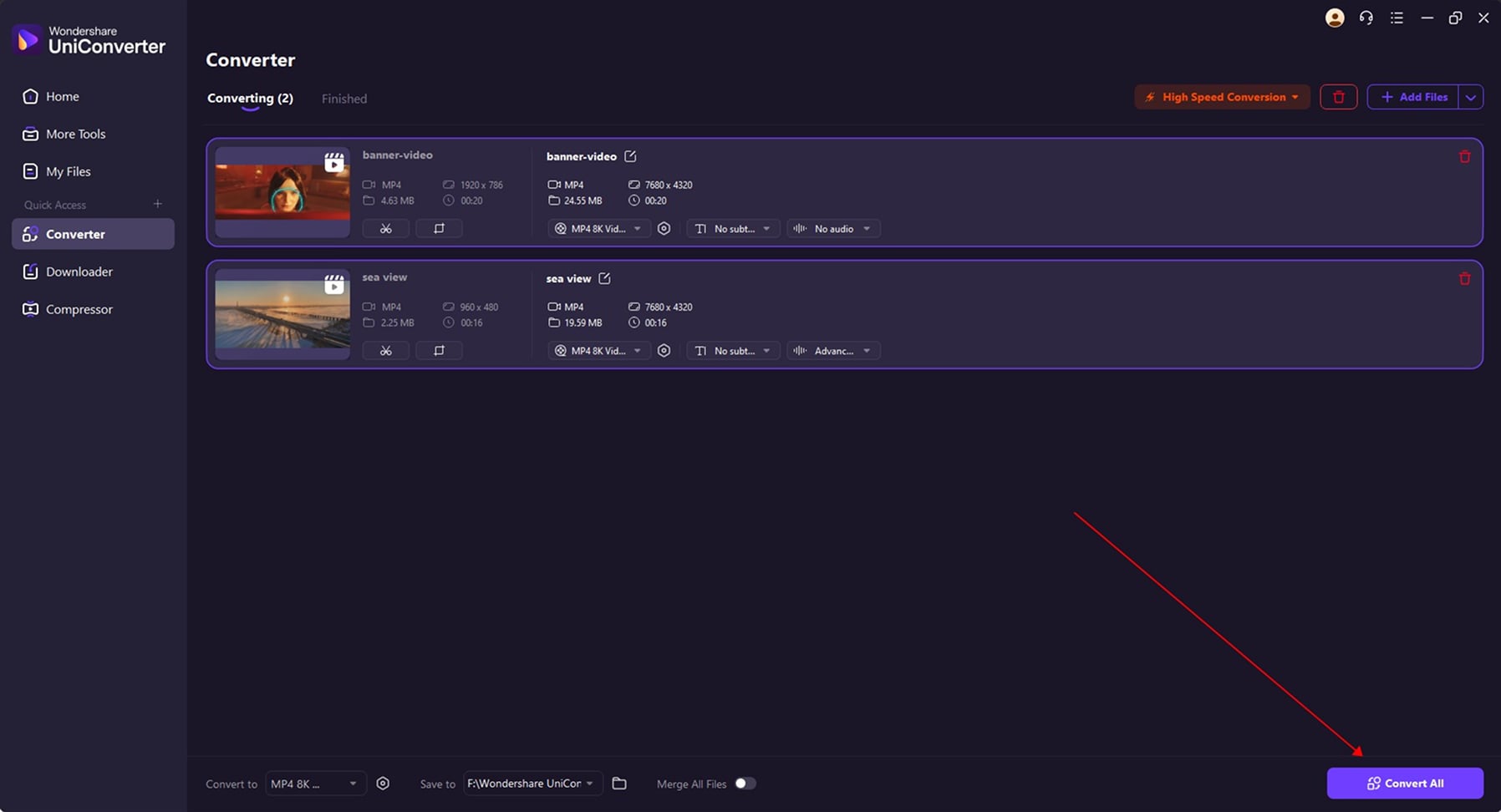
Meet Wondershare UniConverter (Video Converter Ultimate)
Best Video Ripper & 4K Video Downloader
Best Video Ripper & 4K Video Downloader for Mac
Save, convert, and edit youtube videos in pristine 4K/8K and hi-fi audio with one secure all-in-one toolkit.
Save, convert, and edit youtube videos in pristine 4K/8K and hi-fi audio with one secure Mac-native, all-in-one toolkit.
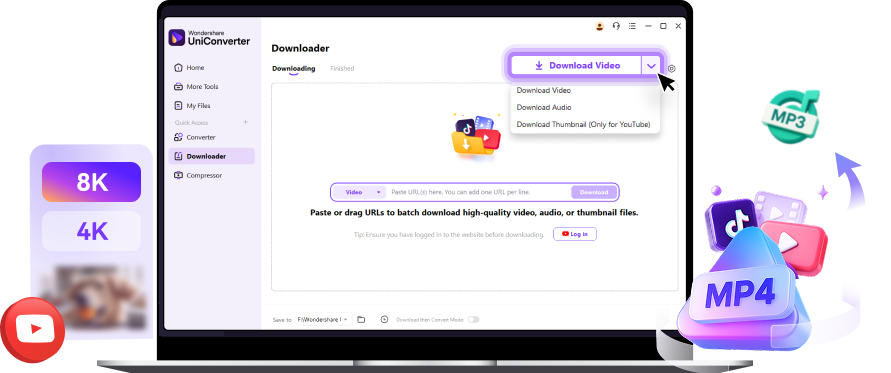


Lossless Audio Extraction:
Studio-Grade MP3/M4A
High-Fidelity Audio (Up to 320kbps)
Extract audio at the highest available bitrate—MP3
or M4A up to 320kbps—for sound quality that rivals
premium streaming platforms.
Smart Metadata Retention
Automatically keeps Song Title, Artist, Album, and Cover Art intact
, so your Apple Music /
iTunes library stays perfectly clean and organized.
One-Click, Zero-Friction Workflow
Just paste the URL, choose MP3 or M4A, and click “Download.”
The fastest way to build a high-quality offline music collection.
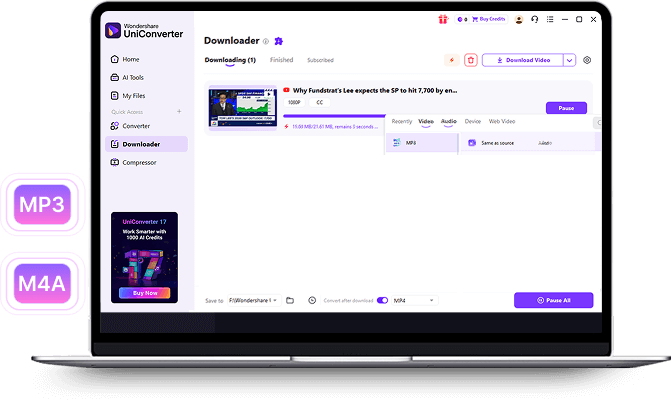
4K/8K Video Downloading & Pro Workflow
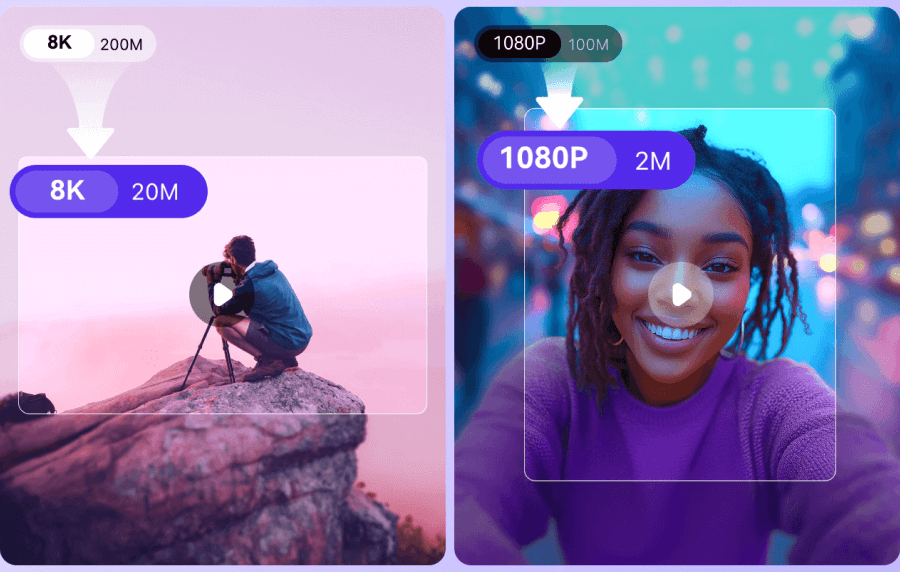
Pristine 4K/8K, 60fps Video Quality
Pristine 4K/8K, 60fps Video Quality Download videos in original resolution & frame rate (up to 60fps) to ensure you always work with the highest-quality source material.
Rock-Solid Stability & Playlist Batch Support
Download entire playlists or bulk content without crashes or corrupted files. Constantly updated to stay compatible with YouTube interface changes.
ProRes-Ready Conversion for Final Cut & iMovie
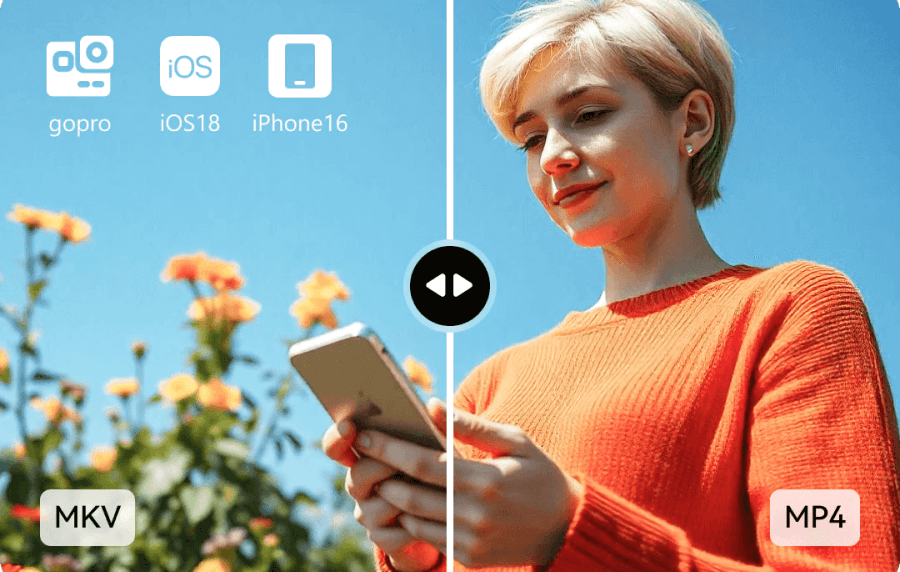
Convert instantly to ProRes, MOV, MP4, or any editing-friendly format.Trim, merge, and prepare clips all within UniConverter.
Why Choose UniConverter as Your Video Downloader
Enjoy high-quality, lightning-fast, and secure video downloads powered by UniConverter’s all-in-one video toolkit. Download, convert, and enjoy videos offline without hassle.
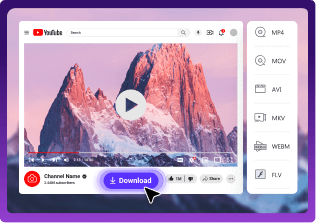
One-click Chrome download
Hit the “Download” button on YouTube—no URL copying needed.
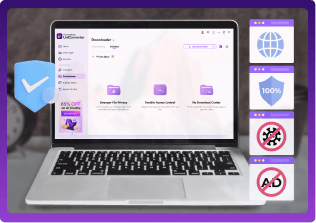
100% Safe and Private Download
100% safe and secure. Private mode for sensitive downloads.

Download live stream
Download or Record live stream to save live stream video.
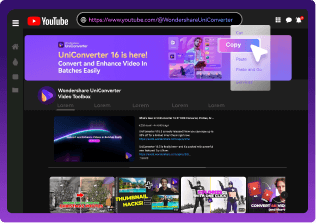
Auto-download channels
Supports subscribe to auto-download new items of playlists and channels.
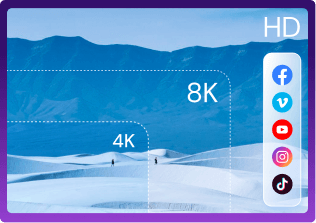
High-quality download
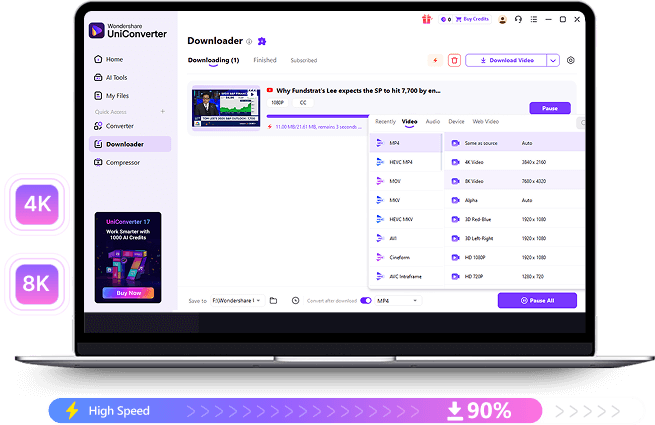
4K/8K/HD video download with original quality. Up to 4320p!
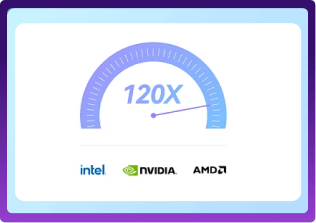
High-speed download
GPU acceleration and high-speed download.

AI Video Enhancement
AI tools enhance clarity, upscale resolution, and restore old videos.
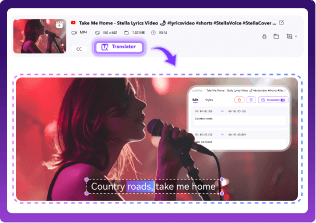
Subtitle Editing & Translation
Easily add, edit, and translate subtitles into multiple languages.
One-click Chrome download
No need to copy URL, start UniConverter and paste it. Just click the "download" button on Youtube.
100% Safe and Private Download
100% safe and secure. Private mode for sensitive downloads.
Download live stream
Download or Record live stream to save live stream video.
Auto-download channels
Supports subscribe to auto-download new items of playlists and channels.
High-quality download
4K/8K/HD video download with original quality. Up to 4320p!
High-speed download
GPU acceleration and high-speed download.
Batch download
Download up to 10 videos at once in batch mode.
Batch download
Download up to 10 videos at once in batch mode.
How UniConverter Download
Video in 3 Steps
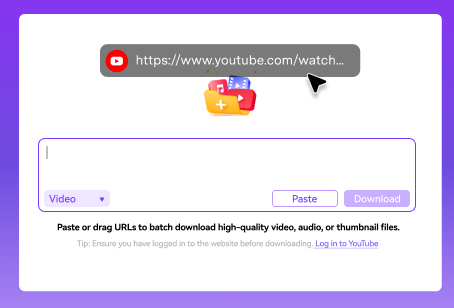
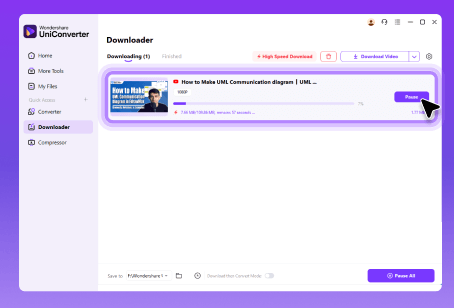
Step 1 Paste the URL
Copy the YouTube video URL and paste it into the download box.
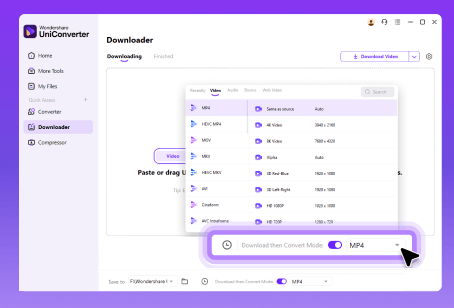
Step 2Choose Format & Quality
Select your desired output format and resolution up to 4k/8k.
Step 3 Start Downloading
Click Download to begin. The video will be saved shortly.
More Than a Downloader
All-in-One Video and Audio Solution
Meet All Your Editing Needs





Hear From Them Talking




Download, Convert & Edit Videos, All-in-One, Effortlessly!