Meet Wondershare UniConverter (Video Converter Ultimate)

Video

Download Facebook videos and Reels in high quality. Save public videos to MP4 or extract audio to MP3 for offline viewing anytime.
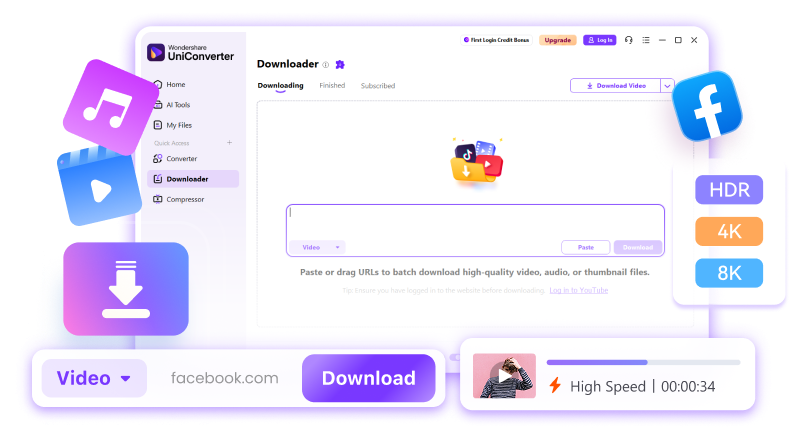
banner
Meet Wondershare UniConverter (Video Converter Ultimate)

Video

Download Facebook videos and Reels in high quality. Save public videos to MP4 or extract audio to MP3 for offline viewing anytime.


pic
logo

Download, Convert, and Extract
the Online Videos With Ease

Save videos from 10,000+ sites, convert them into the formats you prefer, and extract high-quality audio like MP3 for easy offline use across all your devices.

Download from Anywhere
Convert in Any Format
Extract MP3 Audio Instantly

Download Internet Videos from 10,000+ Sites in 1 Click

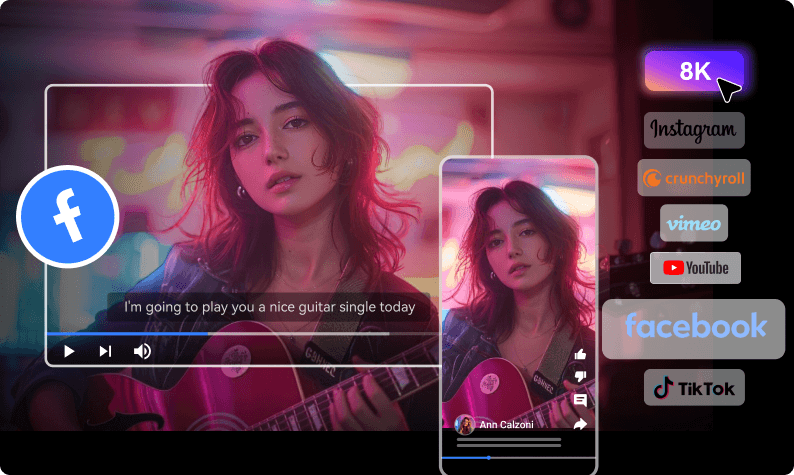
Never miss the content you love. UniConverter lets you download videos from YouTube, Facebook, Instagram, TikTok, Vimeo, and 10,000+ other sites—fast, safely, and in full quality.

Download from 10,000+ platforms
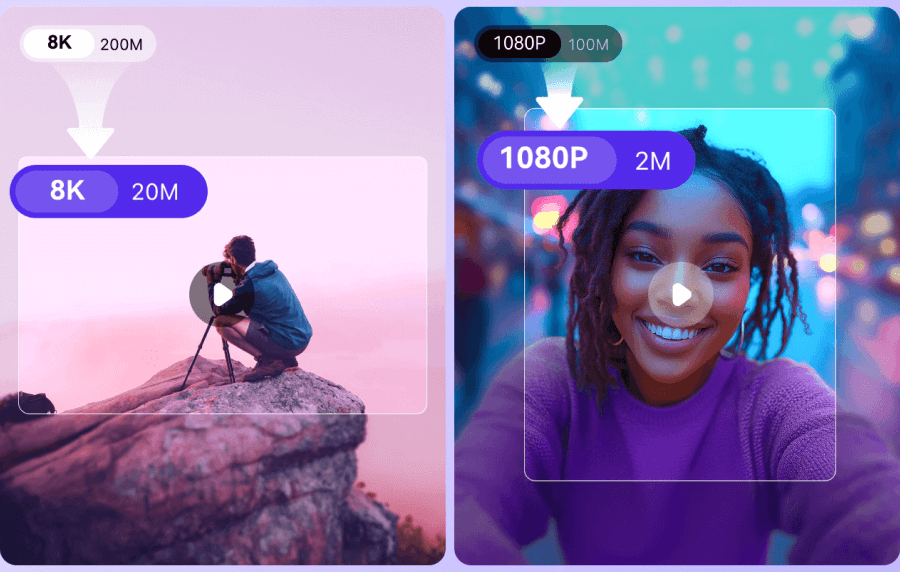
Save videos in HD, Full HD, 4K, and even 8K quality
Preserve original video clarity
Stable, high-speed downloads
100% clean, secure, and ad-free
10000+
Supported Sites
8K
Video Quality

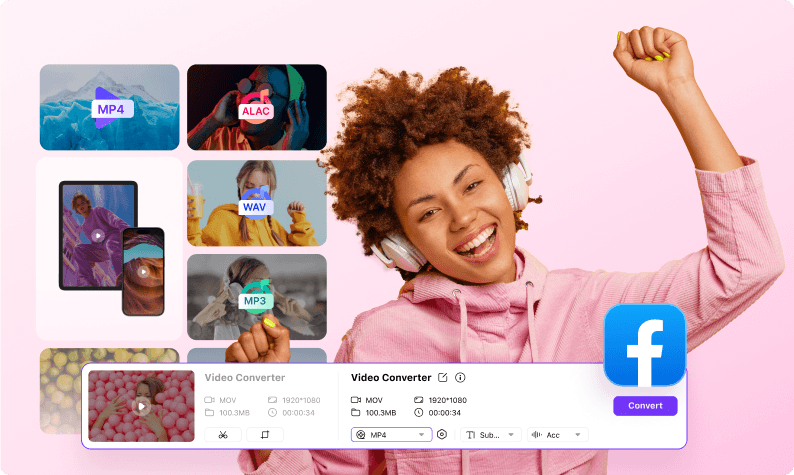
Convert Online Videos to MP4 and 1,000+ Other Formats

Transform any online video into the exact format you need. UniConverter offers full compatibility for editing, playback, and cross-platform use.

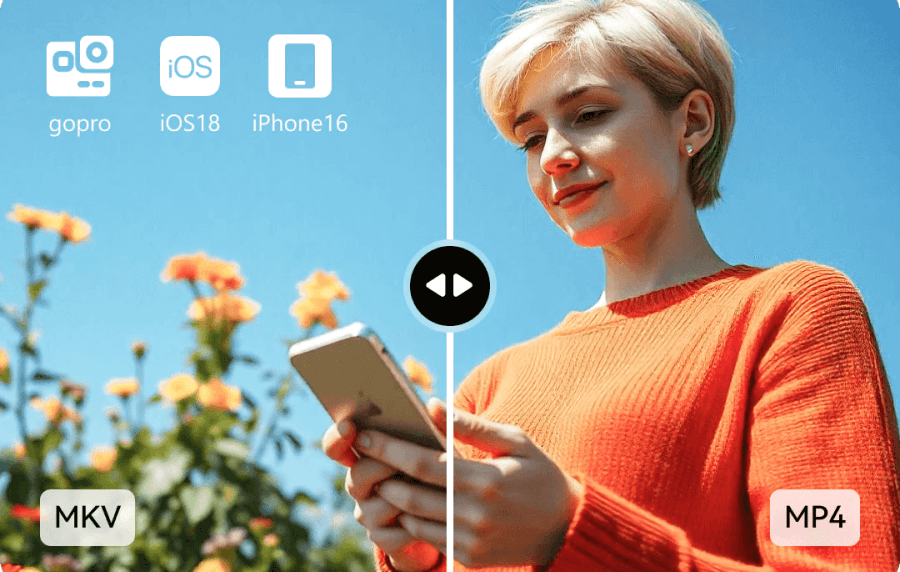
Convert to MP4, MOV, AVI, MKV, WebM & more
Export editing-friendly formats like ProRes & HEVC
Keep the original video quality
130× faster conversion with GPU acceleration
Seamless playback on all devices
1000+
Formats Supported
130X
Conversion Speed

Download & Convert Music/Audio to MP3 for Unlimited Playback

Save your favorite music, podcasts, or soundtrack audio from any video and enjoy them offline anytime—all in high-quality MP3.
Extract audio from online videos in 1 click
Convert to MP3, WAV, AAC & more
Support playlists & batch downloads
Keep high-fidelity sound (up to 320kbps)
Perfect for mobile, car, and offline listening
320kbps
High-Quality Audio

How UniConverter Download
Video in 3 Steps

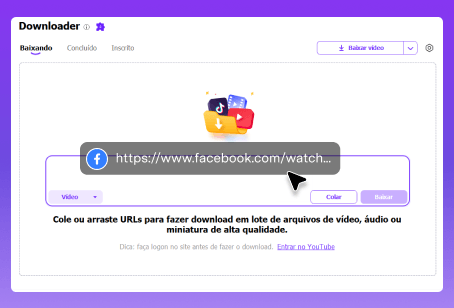
Step 1Paste the URL

Copy the Facebook video or Reels URL and paste it into the download box.
how to summarize youtube videos-step 1

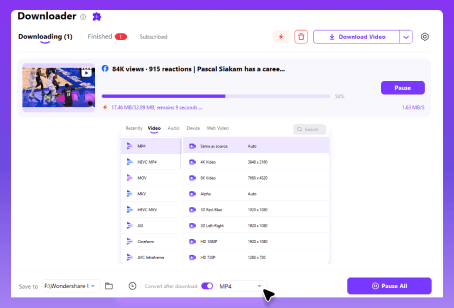
Step 2Choose Format & Quality

Select your desired output format and resolution up to 4k/8k.
how to summarize a youtube video-step 2

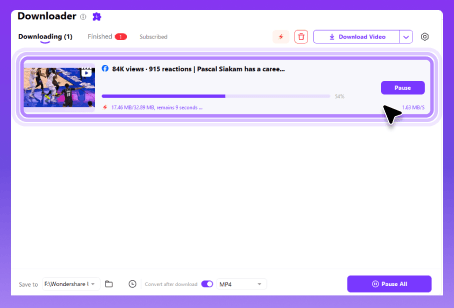
Step 3Start Downloading

Click Download to begin. The video will be saved shortly.
how to get summary of youtube videos-step 3

More Than a Downloader

All-in-One Video and Audio Solution

Meet All Your Editing Needs

What People Say About Us

trustpilot
4.9 out of 5 based on 1657 reviews
100% Secure

0+
Countries
0M+
Satisfied Users
0M+
Subscribers
0M+
Downloads
UniConverter makes downloading Facebook videos so much easier. I can save public videos in just a few clicks and watch them offline anytime I want.
icon4
Evelyn
What I like most is that UniConverter is not just a downloader. I can save Facebook videos, extract audio, and convert files into the format I need all in one place.
icon4
Williams
I needed a reliable way to save Facebook videos on my computer, and UniConverter worked great. The downloads are stable, and the quality stays sharp.
icon4
Johnson
UniConverter makes downloading videos unbelievably easy. One click and the video is on my computer in perfect quality. And I can download, convert, compress, and even edit my videos without switching tools!
icon4
Charlotte

FAQs

01

What Facebook content can I download?

You can usually download Facebook videos, Reels, and saved live replays. Some private or group-only videos may require extra steps.
Yes, if the original source video is available in HD, Full HD, 2K, or 4K, you can choose the highest supported quality during download.
Only download content you own or have permission to use. Reuse, redistribution, or commercial use may require the content owner’s permission.
No. Downloaded videos do not have any added watermark. You get the original video file without our branding or logo.
vc 16

Download, Convert & Edit Videos, All-in-One, Effortlessly!